
Your Waitlist is the place where families can add their child's name, almost like "standing in line," to reserve a current opening, or future offered seat. It is important to keep your waitlist fee updated so that you're bringing in the right amount of income per family signing up.
How to change your waitlist fee:
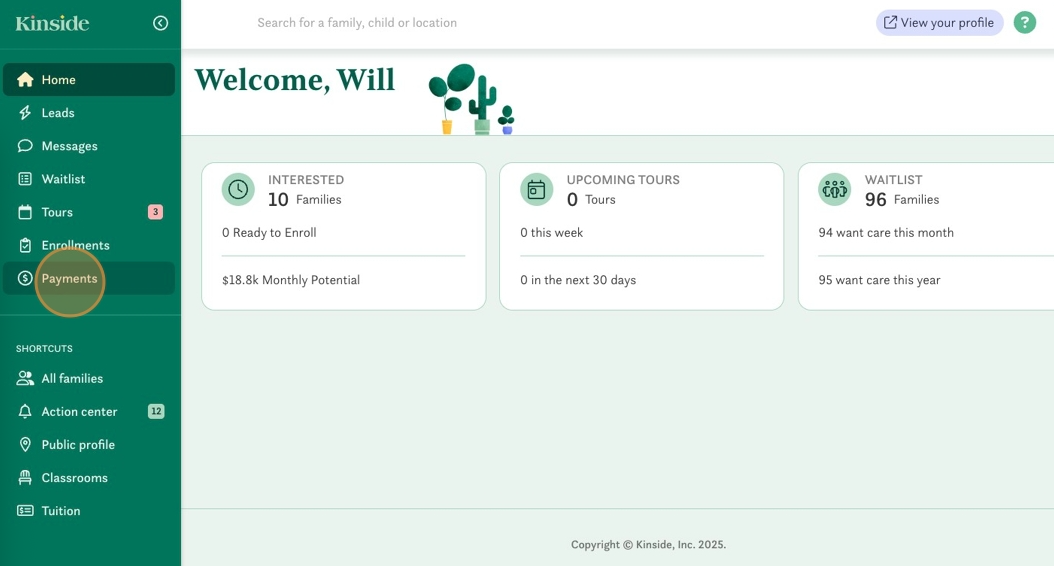
- Go to your Payments section.
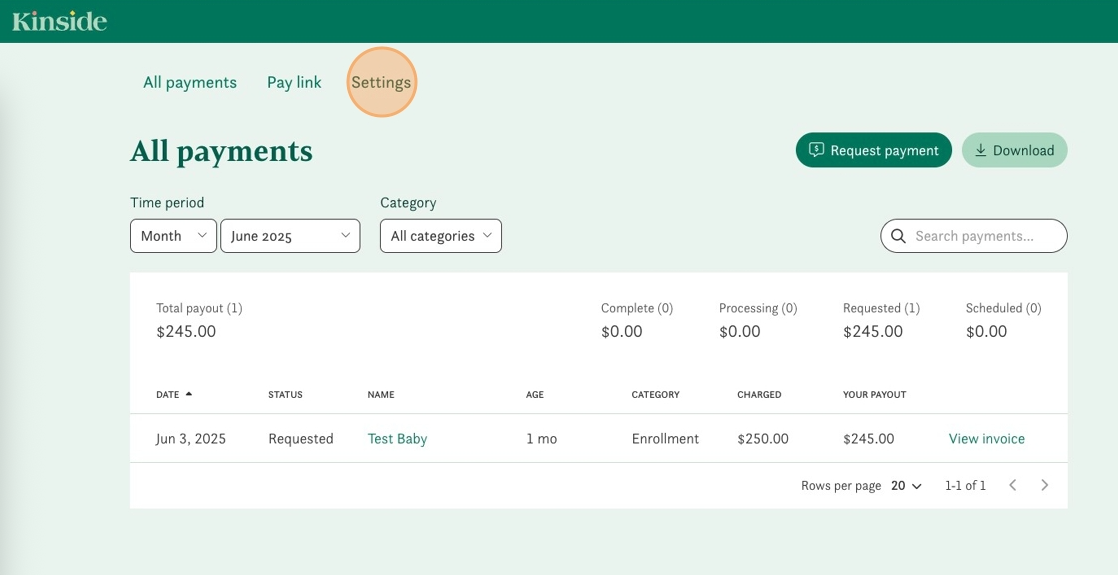
- Click on the Settings tab within your payments page.
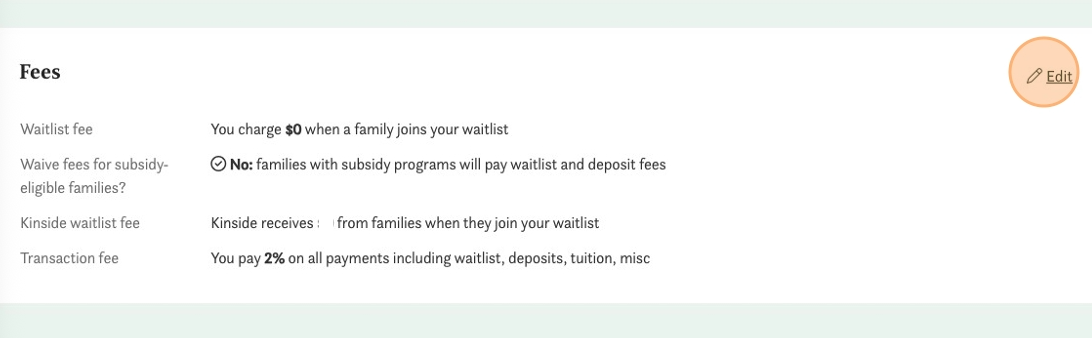
- Scroll down to the Fees section and click Edit.
- Enter the waitlist fee and review the other settings. Note: the Kinside fee may vary depending upon your account type.
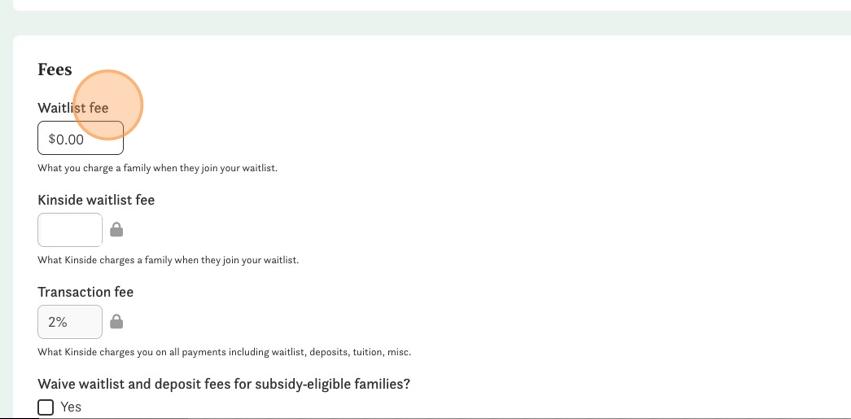
- Determine if you'd like to automatically waive your waitlist fee for subsidy-eligible families.
- Click Save.
Have any questions or need some help? Reach out to us via chat, or email us at support@kinside.com.