
Ready to link your Kinside profile to your website, Facebook page, Google Business profile, or just need to share it with a family? Here's how to find it.
Where to Locate Your Profile Page Link
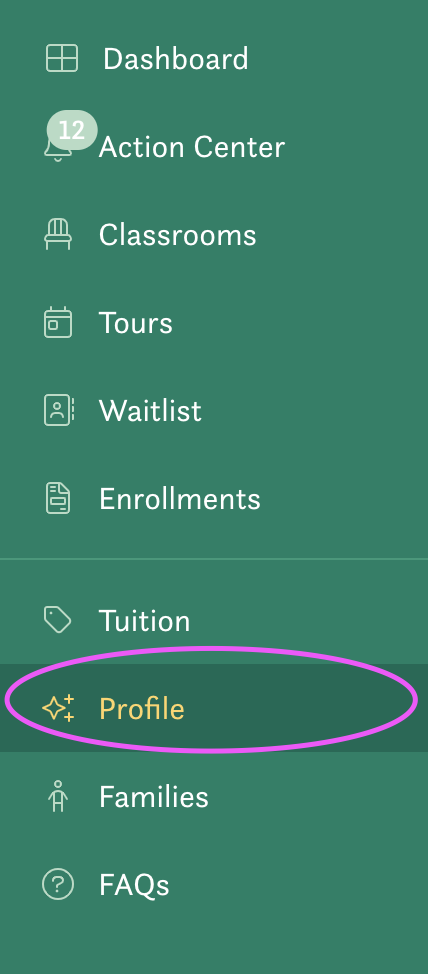
- First, click on Public profile section in the left-hand menu.
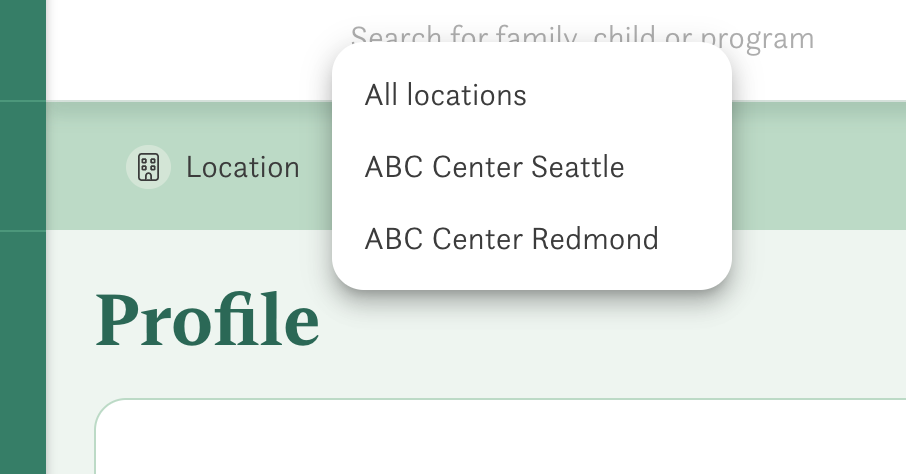
- If you have more than one location, select the location that you want to edit from the dropdown menu at the top of the page.
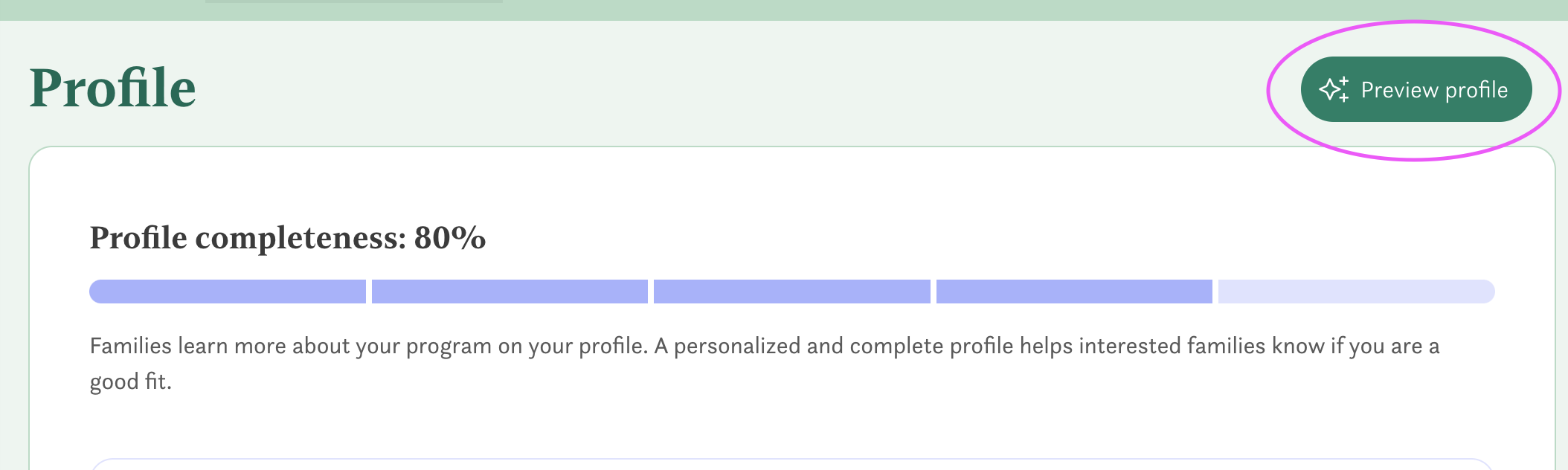
- Next, click the Preview profile button on the righthand side of the page.
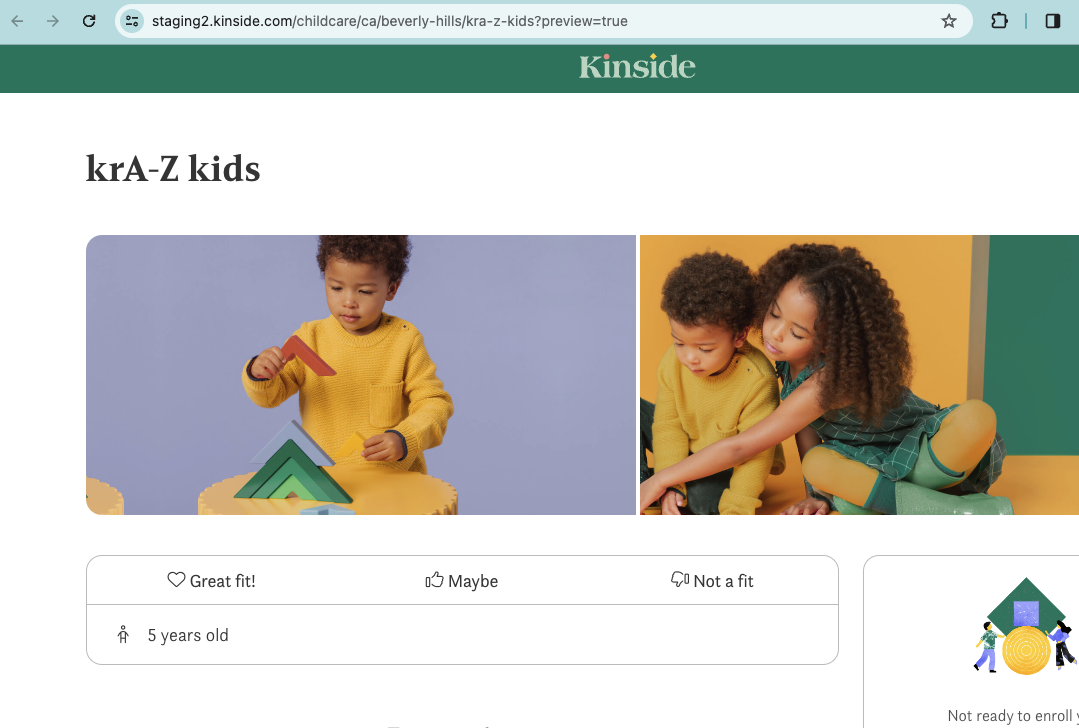
- Your profile will open in a new tab. Copy the URL, remove the following text "?preview=true" and then you can link it on your website or social media.
Have any questions or need some help? Reach out to us via chat, or email us at support@kinside.com.